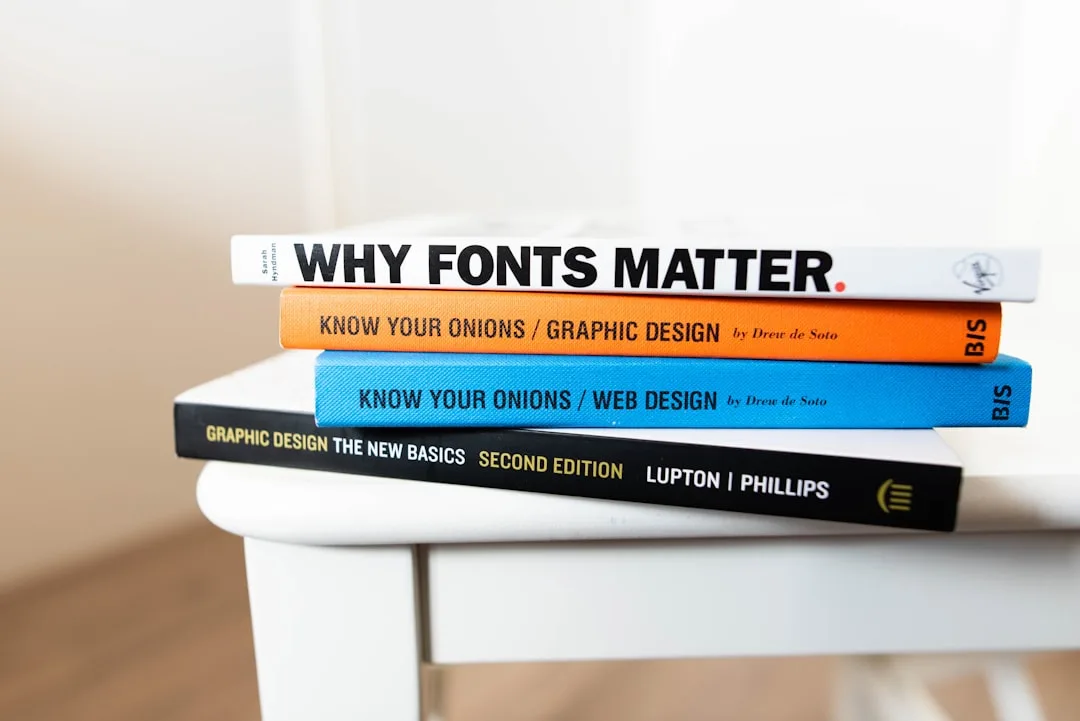
Introduction to Font Optimization for Web
In the world of web design, font optimization is a crucial yet often overlooked aspect that significantly impacts both user experience and website performance. Optimizing fonts for web use effectively means ensuring that your typography not only looks great but also loads quickly and functions seamlessly across all devices and browsers. This balance between aesthetics and functionality is essential in today’s fast-paced digital environment.
Many designers and developers face challenges when selecting and implementing fonts, especially given the variety of font formats and the complexities of browser support. Understanding how to optimize fonts for web usage involves more than just picking a stylish typeface—it requires knowledge of font formats, compression techniques, and best practices that reduce load times without sacrificing quality.
This article will guide you through the key principles and techniques to optimize your fonts effectively, covering everything from font formats to practical implementation tips. By the end, you’ll be equipped with actionable insights to enhance your website’s typography performance and user engagement.
Understanding Font Formats and Their Impact on Web Performance
One of the foundational steps to optimize fonts for web use is understanding the various font formats available and how they affect performance. Common web font formats include TrueType (.ttf), OpenType (.otf), Web Open Font Format (.woff and .woff2), and Embedded OpenType (.eot). Each format has unique characteristics related to compression, browser compatibility, and rendering quality.
For example, the WOFF format was specifically developed for web use, offering efficient compression and wide browser support. Its successor, WOFF2, provides even better compression rates, reducing font file sizes by approximately 30-40% compared to WOFF, which translates to faster load times and improved user experience.
Other formats like .ttf and .otf are traditional desktop font formats that can be used on the web but are generally larger and less optimized for web delivery. The EOT format is primarily supported by older versions of Internet Explorer and is less relevant today but may still be necessary for legacy support.
Key Insight: Choosing the right font format is critical for balancing visual fidelity with performance. Using modern formats like WOFF2 ensures your fonts load faster while maintaining quality.
| Font Format | Compression Efficiency | Browser Support | Best Use Case |
|---|---|---|---|
| WOFF2 | Excellent (best) | Modern browsers | Primary web font format |
| WOFF | Good | Wide | Fallback for older browsers |
| TTF/OTF | Low | Universal | Desktop fonts, fallback |
| EOT | Moderate | Legacy IE | Legacy support |
Understanding these differences allows developers to serve fonts that are optimized for speed and compatibility, which is the cornerstone of effective font optimization for web use.
How Does Font Optimization Affect Website Speed and SEO?
Optimizing fonts for web use has a direct impact on website loading speed, which in turn influences search engine optimization (SEO) and user retention. Fonts, especially custom web fonts, can significantly increase page load times if not handled properly, leading to poor user experience and higher bounce rates.
When a browser encounters a web page, it must download all font files before rendering text styled with those fonts. Large or unoptimized font files delay this process, causing render-blocking issues and the infamous “flash of unstyled text” (FOUT) or “flash of invisible text” (FOIT). Both phenomena degrade perceived performance and can frustrate users.
Search engines like Google consider page speed as a ranking factor, so slow-loading fonts can negatively affect your website’s visibility. Additionally, mobile users on slower connections are disproportionately impacted by heavy font files, making optimization essential for inclusive design.
Practical font optimization techniques include:
- Subsetting fonts to include only the necessary characters
- Choosing modern, compressed formats like WOFF2
- Implementing font-display CSS properties to control rendering behavior
- Preloading critical font resources
Best Practice: Use the
font-display: swap;CSS property to ensure text remains visible during font loading, enhancing perceived speed and accessibility.
By optimizing fonts, you improve both user experience and SEO performance, creating a faster, more engaging website.
Techniques for Optimizing Fonts: Subsetting, Compression, and Delivery
Effective font optimization involves multiple techniques that collectively reduce file size and improve delivery. One of the most impactful methods is font subsetting, which removes unused glyphs and characters from the font file. For example, if your website only uses Latin characters, you can exclude Cyrillic or Asian characters to drastically reduce font size.
Compression plays a vital role as well. Modern formats like WOFF2 inherently compress font data, but additional tools can optimize font files further. Tools that convert fonts to these formats while stripping unnecessary metadata can reduce file sizes by up to 50% or more.
Delivery optimization includes strategies such as:
- Preloading fonts: Using
<link rel="preload">in HTML to hint browsers to fetch fonts early. - Asynchronous loading: Loading fonts in a non-blocking manner to prevent delays in rendering.
- Caching: Leveraging browser caching and Content Delivery Networks (CDNs) to serve fonts quickly.
For example, serving a subsetted TTF font converted to WOFF2 via a CDN with proper caching headers can deliver fonts efficiently worldwide.
Important Note: Over-subsetting can cause missing characters, leading to display issues. Always test your subsets thoroughly.
Incorporating these techniques ensures your fonts are not only small but also delivered in the most efficient way possible, enhancing overall site performance.
Choosing the Right Font Formats for Web Usage
Selecting the appropriate font formats for web usage requires balancing compatibility, performance, and quality. While modern browsers widely support WOFF2, fallback formats like WOFF and TTF remain necessary to cover all user bases.
A common approach is to provide multiple font formats within the @font-face CSS rule, allowing browsers to select the best supported format. This practice ensures that users on older browsers still experience proper typography without sacrificing the benefits of modern formats for others.
Here’s an example of a typical font-face declaration:
@font-face {
  font-family: 'CustomFont';
  src: url('customfont.woff2') format('woff2'),
       url('customfont.woff') format('woff'),
       url('customfont.ttf') format('truetype');
  font-display: swap;
}
This setup prioritizes the most efficient format while providing fallbacks. It’s also essential to consider licensing restrictions, as some fonts may not permit conversion or subsetting.
Misconception Alert: Some believe using only one font format is sufficient. However, this can cause compatibility issues and degrade user experience on unsupported browsers.
By thoughtfully choosing and serving font formats, you ensure consistent typography and optimal performance across diverse environments.
Practical Tips for Implementing Optimized Fonts on Your Website
Implementing optimized fonts effectively requires attention to detail and adherence to best practices. Here are key tips to help you deploy fonts that enhance both speed and aesthetics:
- Use font subsetting tools to generate custom font files containing only the characters you need.
- Serve fonts in modern formats like WOFF2 for better compression.
- Leverage CSS
font-displayproperties such asswaporfallbackto control how fonts load and render. - Preload critical fonts using
<link rel="preload">to prioritize their download. - Host fonts on fast, reliable servers or CDNs to reduce latency.
- Test font loading performance using browser developer tools and online speed tests.
For instance, using our free online converter tool, you can convert your existing fonts to optimized web formats quickly, ensuring compatibility and speed without complex manual steps.
Pro Tip: Always check your site on multiple devices and browsers to verify font rendering and loading behavior.
These practical steps help translate font optimization theory into tangible improvements on your live website.
Common Challenges and How to Avoid Font Optimization Pitfalls
Despite best intentions, font optimization can encounter several challenges that degrade user experience or complicate development. One frequent issue is over-subsetting, which removes essential characters, causing missing glyphs and broken text display.
Another challenge is inconsistent rendering across browsers due to differences in font hinting and anti-aliasing. This can make fonts appear blurry or uneven on some devices. Testing across platforms is vital to mitigate this.
Additionally, improper use of the font-display property can cause undesirable effects like FOIT or FOUT, confusing users. Choosing the right value based on your site’s needs is crucial.
Common Mistake: Relying solely on system fonts to avoid optimization, which limits design flexibility.
To avoid these pitfalls:
- Thoroughly test font subsets and fallback strategies.
- Use font services or tools that automate optimization while preserving quality.
- Monitor performance metrics regularly to detect regressions.
By anticipating and addressing these challenges, you ensure your font optimization efforts yield the best results.
Conclusion: Mastering Font Optimization for Web Success
Optimizing fonts for web use effectively is a multifaceted process that blends technical knowledge with design sensibility. By understanding font formats, leveraging compression and subsetting techniques, and implementing best practices for delivery, you can significantly enhance your website’s speed, accessibility, and visual appeal.
Remember that the choice of font formats like WOFF2 and fallback options such as TTF or WOFF ensures broad compatibility. Employing CSS properties like font-display: swap; and preloading critical fonts further improves user experience.
Continual testing and refinement are essential to avoid common pitfalls and maintain optimal performance. For those looking to explore related optimization topics, consider learning about image compression techniques like those used for JPG or video format optimization with MP4.
Final Thought: Effective font optimization is not a one-time task but an ongoing commitment to delivering fast, beautiful, and accessible web typography.
For your next step, try converting your fonts using our free online converter to the most efficient web formats and experience the benefits firsthand.
Frequently Asked Questions
Introduction to Font Optimization for Web In the world of web design, font optimization is a crucial yet often overlooked aspect that significantly impacts both user experience and website performance. Optimizing fonts for web use effectively means ensuring that your typography not only looks great but also loads quickly and functions seamlessly across all devices and browsers. This balance between aesthetics and functionality is essential in today’s fast-paced digital environment. Many designers and developers face challenges when selecting and implementing fonts, especially given the variety of font formats and the complexities of browser support. Understanding how to optimize fonts for web usage involves more than just picking a stylish typeface—it requires knowledge of font formats, compression techniques, and best practices that reduce load times without sacrificing quality. This article will guide you through the key principles and techniques to optimize your fonts effectively, covering everything from font formats to practical implementation tips. By the end, you’ll be equipped with actionable insights to enhance your website’s typography performance and user engagement. Understanding Font Formats and Their Impact on Web Performance One of the foundational steps to optimize fonts for web use is understanding the various font formats available and how they affect performance. Common web font formats include TrueType (.ttf), OpenType (.otf), Web Open Font Format (.woff and .woff2), and Embedded OpenType (.eot). Each format has unique characteristics related to compression, browser compatibility, and rendering quality. For example, the WOFF format was specifically developed for web use, offering efficient compression and wide browser support. Its successor, WOFF2, provides even better compression rates, reducing font file sizes by approximately 30-40% compared to WOFF, which translates to faster load times and improved user experience. Other formats like .ttf and .otf are traditional desktop font formats that can be used on the web but are generally larger and less optimized for web delivery. The EOT format is primarily supported by older versions of Internet Explorer and is less relevant today but may still be necessary for legacy support. Key Insight: Choosing the right font format is critical for balancing visual fidelity with performance. Using modern formats like WOFF2 ensures your fonts load faster while maintaining quality. Font Format Compression Efficiency Browser Support Best Use Case WOFF2 Excellent (best) Modern browsers Primary web font format WOFF Good Wide Fallback for older browsers TTF/OTF Low Universal Desktop fonts, fallback EOT Moderate Legacy IE Legacy support Understanding these differences allows developers to serve fonts that are optimized for speed and compatibility, which is the cornerstone of effective font optimization for web use. How Does Font Optimization Affect Website Speed and SEO?
Optimizing fonts for web use has a direct impact on website loading speed, which in turn influences search engine optimization (SEO) and user retention. Fonts, especially custom web fonts, can significantly increase page load times if not handled properly, leading to poor user experience and higher bounce rates.
Related Articles
Ready to Convert Your Files?
Use our free online file converter supporting 240+ formats. No signup required, fast processing, and secure handling of your files.
Convert Files