
Introduction to Audio Formats
In today’s digital landscape, audio formats play a crucial role in how we create, share, and consume sound. Whether you’re a music producer, podcaster, or casual listener, understanding the distinctions between various audio formats is essential for optimizing quality, compatibility, and file size. This comprehensive audio format guide will help you navigate the complex world of audio file types and make informed decisions based on your specific needs.
Audio formats are not just simple containers; they involve encoding methods, compression techniques, and compatibility considerations that impact everything from sound fidelity to playback performance. The choice of format can affect your workflow, distribution options, and even the listener’s experience. In this article, we will explore the characteristics of popular audio formats, compare their strengths and weaknesses, and discuss their relevance in music production and everyday use.
Key Insight: Selecting the right audio format is not just about quality but also about practicality—balancing file size, compatibility, and intended use.
Core Concepts of Audio Formats
Audio formats can be broadly categorized into lossy and lossless types, each serving different purposes. Lossy formats, such as MP3 and AAC, compress audio by removing some data to reduce file size, which can affect sound quality. Lossless formats like FLAC and WAV preserve the original audio data, offering higher fidelity but larger file sizes.
Understanding the difference between containers and codecs is also fundamental. A container (e.g., WAV, MP4) holds audio data, while a codec (e.g., AAC, Opus) defines how that data is compressed or encoded. For example, the MP4 format is a container that can include AAC audio codec. This distinction is important for music production and distribution, as it affects compatibility and quality.
The choice of audio format also depends on the bitrate and sampling rate, which influence the audio’s clarity and file size. Higher bitrates generally mean better quality but larger files. Sampling rate, measured in kHz, determines how many samples per second are taken from the original sound wave. Common rates include 44.1 kHz (CD quality) and 48 kHz (professional audio).
Misconception Alert: Many assume higher bitrate always means better quality, but the encoding method and codec efficiency are equally important. For instance, a well-encoded AAC file at 256 kbps can sound better than a poorly encoded MP3 at 320 kbps.
Choosing the right audio format requires balancing these factors based on your goals, whether for high-quality music production, streaming, or casual listening.
Popular Audio Formats and Their Use Cases
Lossy Formats: MP3, AAC, and OGG
The MP3 format is arguably the most widely recognized lossy audio format. It offers good compression with acceptable quality, making it ideal for streaming and portable devices. However, MP3 is an older standard and less efficient compared to newer codecs.
AAC (Advanced Audio Coding) is a more modern lossy format that provides better sound quality at similar bitrates compared to MP3. It is widely used in platforms like Apple Music and YouTube. OGG Vorbis is an open-source alternative offering comparable or better quality than MP3 and AAC but with less universal support.
These lossy formats excel when file size and bandwidth are concerns, such as in streaming or mobile usage. However, they sacrifice some audio fidelity, which might be noticeable on high-end equipment or to trained ears.
Lossless Formats: FLAC, WAV, and ALAC
For music production and archival purposes, lossless formats are preferred. The FLAC format compresses audio without any loss in quality, making it popular for audiophiles and professional use. WAV files are uncompressed and store raw audio data, offering the highest fidelity but very large file sizes.
Apple’s ALAC (Apple Lossless Audio Codec) provides lossless compression optimized for the Apple ecosystem. These formats are essential when preserving the integrity of the original recording is critical.
Practical Application: Use lossless formats like FLAC or WAV for mastering, mixing, or archiving, and switch to lossy formats for distribution and everyday listening.
How Audio Formats Affect Music Production
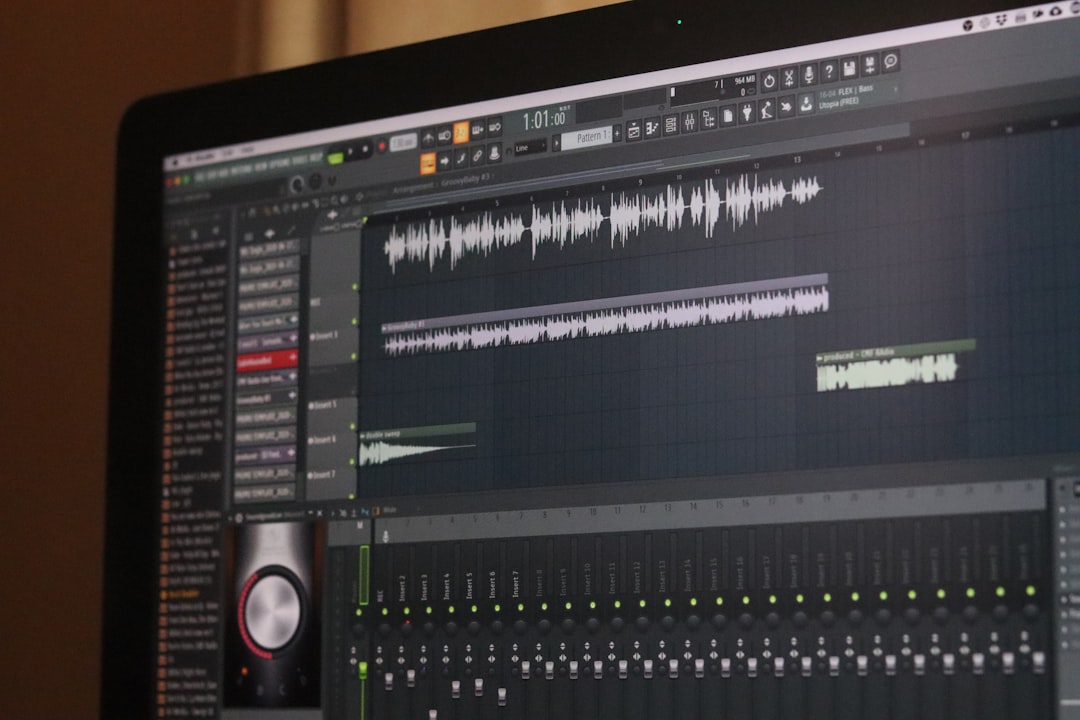
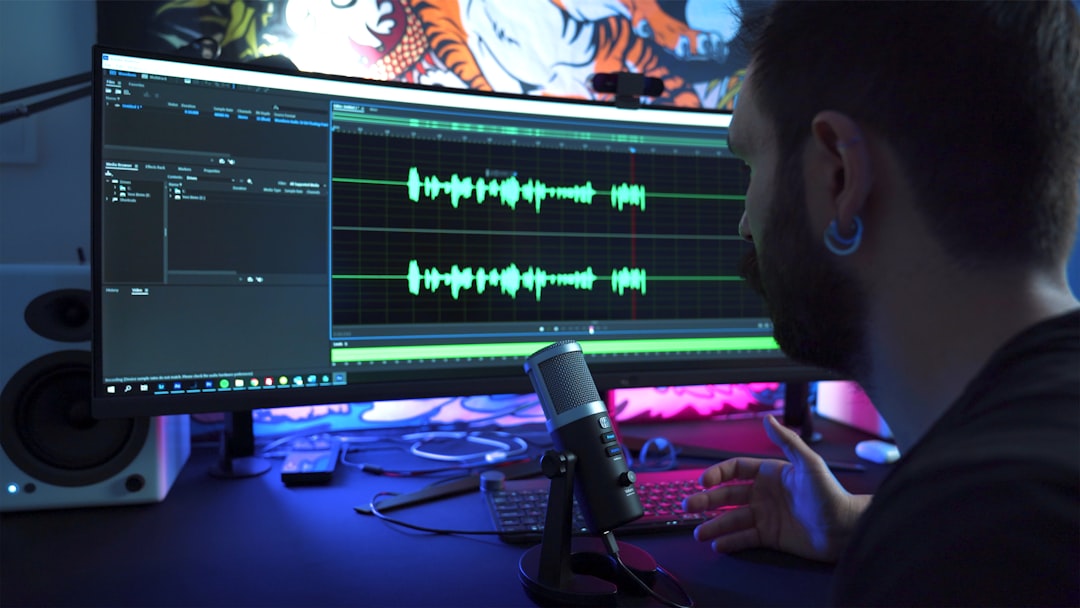
In music production, the choice of audio format impacts every stage—from recording and editing to mixing and final export. Producers often work with high-resolution, lossless formats such as WAV or AIFF during the creative process to maintain maximum audio quality.
Using lossy formats during production can introduce artifacts and degrade sound quality, which become more apparent after multiple processing stages. Therefore, it’s common to convert to lossy formats only after the final mix is complete for distribution.
Additionally, different Digital Audio Workstations (DAWs) and plugins may have varying support for formats and codecs. Understanding these compatibilities ensures a smoother workflow and prevents unexpected issues.
Example: A producer might record in WAV format, export stems in FLAC for collaboration, and deliver the final product in MP3 or AAC for streaming platforms.
The ability to convert between formats efficiently using tools like our free online converter allows producers to adapt files for different purposes without compromising quality unnecessarily.
Comparing Audio Formats: Quality, Size, and Compatibility
Choosing the right audio format often involves trade-offs between quality, file size, and compatibility. Below is a comparison table summarizing key attributes of common audio formats:
| Format | Compression Type | Typical Use Case | File Size | Compatibility |
|---|---|---|---|---|
| MP3 | Lossy | Streaming, portable devices | Small | Very High |
| AAC | Lossy | Streaming, Apple devices | Smaller than MP3 | High |
| OGG Vorbis | Lossy | Open-source streaming | Small | Moderate |
| FLAC | Lossless | Archiving, audiophile listening | Medium | High |
| WAV | Uncompressed | Production, editing | Large | Very High |
| ALAC | Lossless | Apple ecosystem | Medium | High |
Key Takeaway: For maximum compatibility, MP3 is still king, but for better quality at similar sizes, AAC or OGG are excellent choices. For archival and production, lossless formats like FLAC or WAV are indispensable.
Compatibility also depends on the playback device or platform. For example, some older devices may not support newer formats like ALAC or OGG, which can limit usability.
Technical Aspects: Bitrate, Sampling Rate, and Codec Efficiency
Understanding technical parameters such as bitrate, sampling rate, and codec efficiency is vital when selecting an audio format. Bitrate, measured in kilobits per second (kbps), determines how much data is processed each second. Higher bitrates generally yield better sound but larger files.
Sampling rate defines how frequently the audio signal is sampled per second. Standard rates include 44.1 kHz (CD quality) and 48 kHz (used in video production). Higher sampling rates like 96 kHz or 192 kHz exist but offer diminishing returns for most listeners.
Codec efficiency refers to how well a codec compresses audio data without noticeable quality loss. Modern codecs like Opus and AAC are more efficient than older ones like MP3, allowing for smaller files at comparable quality.
Misconception: Increasing bitrate beyond a certain threshold (e.g., 320 kbps for MP3) often does not produce perceptible improvements for most listeners, especially on typical playback equipment.
Our free online converter tool allows users to adjust bitrate and sampling rate during conversion, enabling customization based on quality and file size preferences.
Practical Tips for Choosing the Right Audio Format
When deciding on an audio format, consider these practical factors:
- Purpose: Are you producing music, streaming, archiving, or casual listening?
- Quality Needs: Do you require lossless quality or is lossy acceptable?
- File Size Constraints: Is storage space or bandwidth limited?
- Device Compatibility: What devices or platforms will play the audio?
- Editing Requirements: Will the audio undergo further processing?
For example, if you are a podcaster distributing episodes online, using MP3 or AAC at moderate bitrates balances quality and accessibility. Conversely, a music producer mastering tracks should stick to lossless formats like WAV or FLAC.
Pro Tip: Always keep a lossless master copy of your audio files before converting to lossy formats for distribution to preserve quality.
Using our free online converter, you can easily switch between formats, adjusting parameters to suit your specific scenario without needing complex software.
Future-Proofing Your Audio Files
As audio technology evolves, new formats and codecs emerge offering improved compression and quality. However, the fundamentals of audio encoding remain consistent. Choosing widely supported and well-documented formats ensures your files remain accessible over time.
Formats like FLAC and MP3 have stood the test of time due to their open specifications and broad adoption. Meanwhile, newer codecs such as Opus (https://en.wikipedia.org/wiki/Opus_(audio_format)) provide excellent efficiency but may have limited legacy support.
Strategic Advice: Maintain copies of your audio in both a lossless format for archival and a popular lossy format for everyday use to balance longevity and practicality.
Regularly updating your audio library with current formats and using conversion tools can help future-proof your collection against obsolescence.
Conclusion: Making Informed Audio Format Choices
Choosing the right audio format is a nuanced decision that hinges on your specific use case, quality expectations, and technical constraints. This audio format comparison has highlighted the strengths and limitations of popular formats, emphasizing the importance of understanding codec types, compression methods, and compatibility.
For music production, lossless formats like WAV and FLAC are indispensable, while lossy formats such as MP3 and AAC serve well for distribution and streaming. By mastering these distinctions and leveraging tools like our free online converter, you can optimize your audio workflow and ensure your sound reaches listeners in the best possible form.
To deepen your knowledge, consider exploring related topics such as MP3 format, FLAC format, and WAV audio. This will empower you to make even more precise decisions tailored to your audio projects.
Final Thought: The most critical factor is balancing quality, compatibility, and file size to meet your unique audio needs effectively.
Frequently Asked Questions
Lossy Formats: MP3, AAC, and OGG
The MP3 format is arguably the most widely recognized lossy audio format. It offers good compression with acceptable quality, making it ideal for streaming and portable devices. However, MP3 is an older standard and less efficient compared to newer codecs.
Lossless Formats: FLAC, WAV, and ALAC
For music production and archival purposes, lossless formats are preferred. The FLAC format compresses audio without any loss in quality, making it popular for audiophiles and professional use. WAV files are uncompressed and store raw audio data, offering the highest fidelity but very large file sizes.
Related Articles
Ready to Convert Your Files?
Use our free online file converter supporting 240+ formats. No signup required, fast processing, and secure handling of your files.
Convert Files