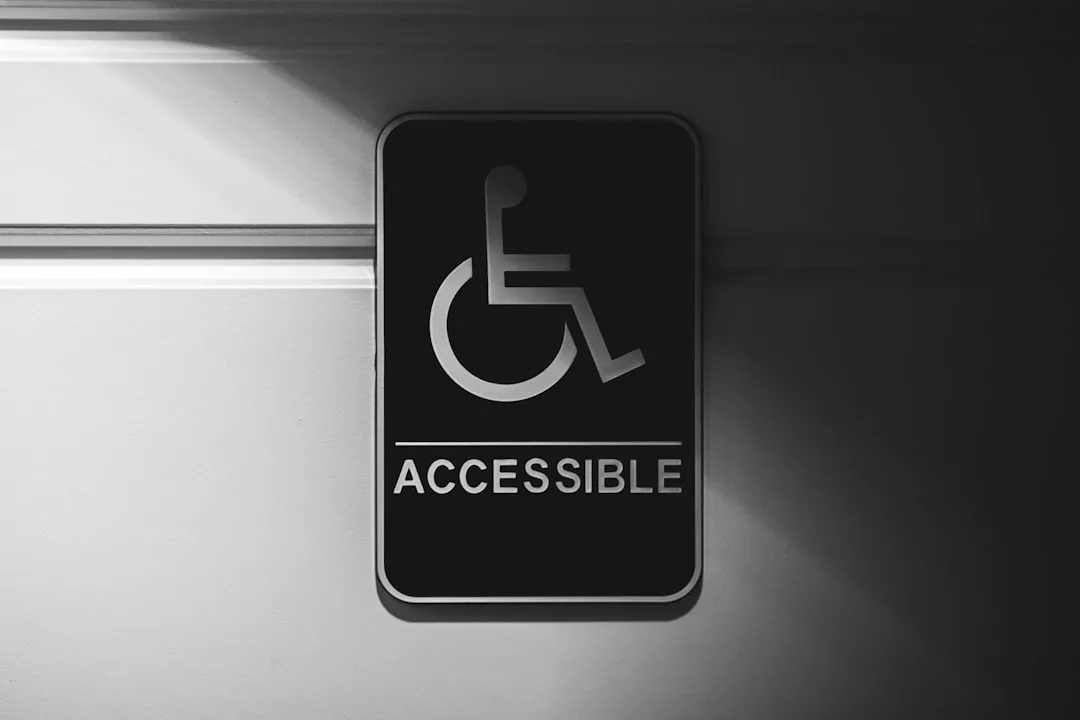
Introduction to File Conversion and Accessibility
In the modern digital landscape, accessibility is a fundamental principle that ensures all users, regardless of ability, can engage with digital content effectively. One often overlooked but crucial component of accessibility is file conversion. File conversion accessibility plays a pivotal role in making multimedia and document content usable for people with diverse needs, including those with visual, auditory, or cognitive impairments.
Understanding how file conversion intersects with enhanced accessibility practices is essential for developers, content creators, and organizations striving to meet inclusive standards. This article explores the multifaceted role of file conversion in accessibility, highlighting best practices and practical applications that improve user experience across platforms.
Key Insight: Effective file conversion is not merely about changing formats but about preserving and enhancing accessibility features that support diverse user needs.
Understanding File Conversion Accessibility
File conversion accessibility refers to the process of transforming digital files from one format to another while maintaining or improving their accessibility features. This means ensuring that converted files remain compatible with assistive technologies such as screen readers, braille displays, and captioning tools. For example, converting a document from a scanned PDF to an accessible PDF with selectable text allows screen readers to interpret and vocalize the content.
The mechanisms behind accessible file conversion involve more than simple format changes. They include preserving semantic structure, alternative text for images, captions for videos, and metadata that assistive technologies rely on. Without careful attention to these details, conversion can inadvertently strip away accessibility features, rendering content unusable for some users.
Consider the conversion of video files: changing from the MP4 format to WebM might optimize file size and playback performance, but it is critical to ensure that closed captions or subtitles are retained or embedded properly. Similarly, converting audio from MP3 to WAV should preserve any embedded transcripts or metadata.
Misconception Alert: Many assume that converting a file automatically maintains all accessibility features. In reality, without deliberate processes, conversions can degrade accessibility, highlighting the need for specialized tools and workflows.
The implications of file conversion accessibility extend beyond compliance; they impact real user experiences. Organizations that prioritize accessible conversions foster inclusivity, reduce legal risks, and demonstrate social responsibility.
Key Accessibility Challenges Addressed by File Conversion
File conversion helps overcome several challenges that hinder digital accessibility. One major issue is the incompatibility of certain file formats with assistive technologies. For instance, some older or proprietary formats may lack support for screen readers or do not allow text extraction, making content inaccessible.
By converting files into standardized, widely supported formats, content becomes more universally accessible. For example, converting image-heavy PDFs into tagged PDFs with selectable text and descriptive alt text enhances usability for visually impaired users. Similarly, transforming videos into formats compatible with captioning and audio description standards improves accessibility for deaf or hard-of-hearing audiences.
Another challenge is the diversity of user devices and platforms. File conversion enables content to be optimized for various screen sizes, bandwidth limitations, and assistive tools. For example, converting high-resolution images into compressed formats like JPG or PNG balances quality and performance, supporting users on slower connections or mobile devices.
Practical Application: Educational institutions often convert lecture videos into multiple formats with embedded captions and transcripts to accommodate students with different learning needs and technical setups.
Addressing these challenges through file conversion is a proactive step toward universal design, ensuring content is accessible by default rather than as an afterthought.
Best Practices for Accessible File Conversion
Implementing best practices in file conversion is essential to maintain and enhance accessibility features. The following guidelines provide a roadmap for effective conversion workflows:
- Preserve Semantic Structure: When converting documents, maintain headings, lists, tables, and other structural elements to support navigation by assistive technologies.
- Include Alternative Text: Ensure images retain or are assigned descriptive alt text during conversion to aid screen reader users.
- Embed Captions and Transcripts: For multimedia files, captions and transcripts should be embedded or provided alongside to support deaf or hard-of-hearing users.
- Use Standardized Formats: Convert files into widely supported formats such as PDF/A for documents or MP4 for videos, which have robust accessibility support.
- Validate Accessibility Post-Conversion: Use tools to check the accessibility of converted files, ensuring compliance with standards like WCAG.
For example, converting a video from AVI to MP4 should include embedding subtitle files and verifying that the video player supports keyboard navigation and screen reader announcements.
Common Pitfall: Ignoring metadata during conversion can result in loss of document titles, language tags, or reading order, which are critical for accessibility.
Adhering to these best practices helps organizations produce content that is not only accessible but also user-friendly and compliant with legal requirements.
The Impact of File Conversion on Assistive Technologies
Assistive technologies depend heavily on the underlying file formats and their accessibility features. File conversion can either enable or hinder these technologies’ effectiveness. For instance, screen readers require properly tagged documents to interpret content correctly. A conversion that strips tags or flattens text into images disables screen reader functionality.
Similarly, braille displays rely on text-based formats with semantic markup. If a conversion process converts documents into image-only PDFs without OCR (Optical Character Recognition), the content becomes inaccessible to braille users. Therefore, integrating OCR during conversion is a vital step to enhance accessibility.
In video and audio media, assistive technologies utilize closed captions, audio descriptions, and transcripts. File conversion must preserve or embed these elements to maintain accessibility. For example, converting an MP3 podcast into a video format should include synchronized captions or transcripts to support users with hearing impairments.
Key Takeaway: The success of assistive technologies depends on the quality and accessibility of the source files, which file conversion directly influences.
Understanding this interplay encourages content creators to adopt conversion workflows that prioritize accessibility from the outset.
Practical Applications of File Conversion in Accessibility
File conversion accessibility finds application across various sectors, including education, government, healthcare, and corporate communications. In education, converting textbooks and lecture materials into accessible formats such as tagged PDFs or ePub files enables students with disabilities to engage with content using screen readers or braille devices.
Government agencies often convert public documents into accessible formats to comply with legal mandates and ensure all citizens can access vital information. This includes converting scanned documents into searchable PDFs and ensuring websites offer downloadable content in accessible formats.
Healthcare providers use file conversion to make patient information, consent forms, and instructional videos accessible. For example, converting medical videos into the WebM format with embedded captions and audio descriptions facilitates understanding for diverse patient populations.
Example: Using our free online converter, organizations can quickly transform files into accessible formats, ensuring compliance and enhancing user experience without specialized technical expertise.
These practical applications demonstrate how file conversion is a foundational tool in implementing enhanced accessibility practices across industries.
Future Directions and Innovations in Accessible File Conversion
The evolving landscape of digital accessibility continues to influence file conversion technologies. Emerging innovations focus on automating accessibility feature preservation and enhancement during conversion. For instance, AI-powered tools can generate alt text for images or create captions for videos automatically, reducing manual effort and increasing accuracy.
Standards organizations are also working toward more unified accessibility specifications for file formats, making it easier for conversion tools to comply. The adoption of formats like PDF/UA (PDF Universal Accessibility) highlights this trend toward standardized accessible documents.
Moreover, integration of real-time conversion in web applications allows users to access content in their preferred accessible format dynamically, enhancing inclusivity.
Insight: The synergy between file conversion and accessibility will grow stronger, driven by technological advancements and increasing regulatory demands.
Staying informed about these trends enables organizations to future-proof their accessibility strategies and leverage new tools effectively.
Conclusion: Embracing File Conversion for Enhanced Accessibility
File conversion accessibility is an indispensable element in the broader framework of digital inclusivity. By understanding the critical role file conversion plays in preserving and enhancing accessibility features, organizations can adopt best practices that ensure content is usable by all individuals.
From maintaining semantic structure and embedding captions to choosing standardized formats like MP4 or JPG, every step in the conversion process impacts user experience. Leveraging tools such as our free online converter can simplify these tasks while supporting compliance and inclusivity.
Final Thought: Prioritizing accessible file conversion is not just a technical requirement but a commitment to equitable access and social responsibility.
For those interested in deepening their knowledge, exploring related topics such as video format conversion, image accessibility, and document format standards can provide valuable insights into creating truly accessible digital content.
Related Articles
Ready to Convert Your Files?
Use our free online file converter supporting 240+ formats. No signup required, fast processing, and secure handling of your files.
Convert Files